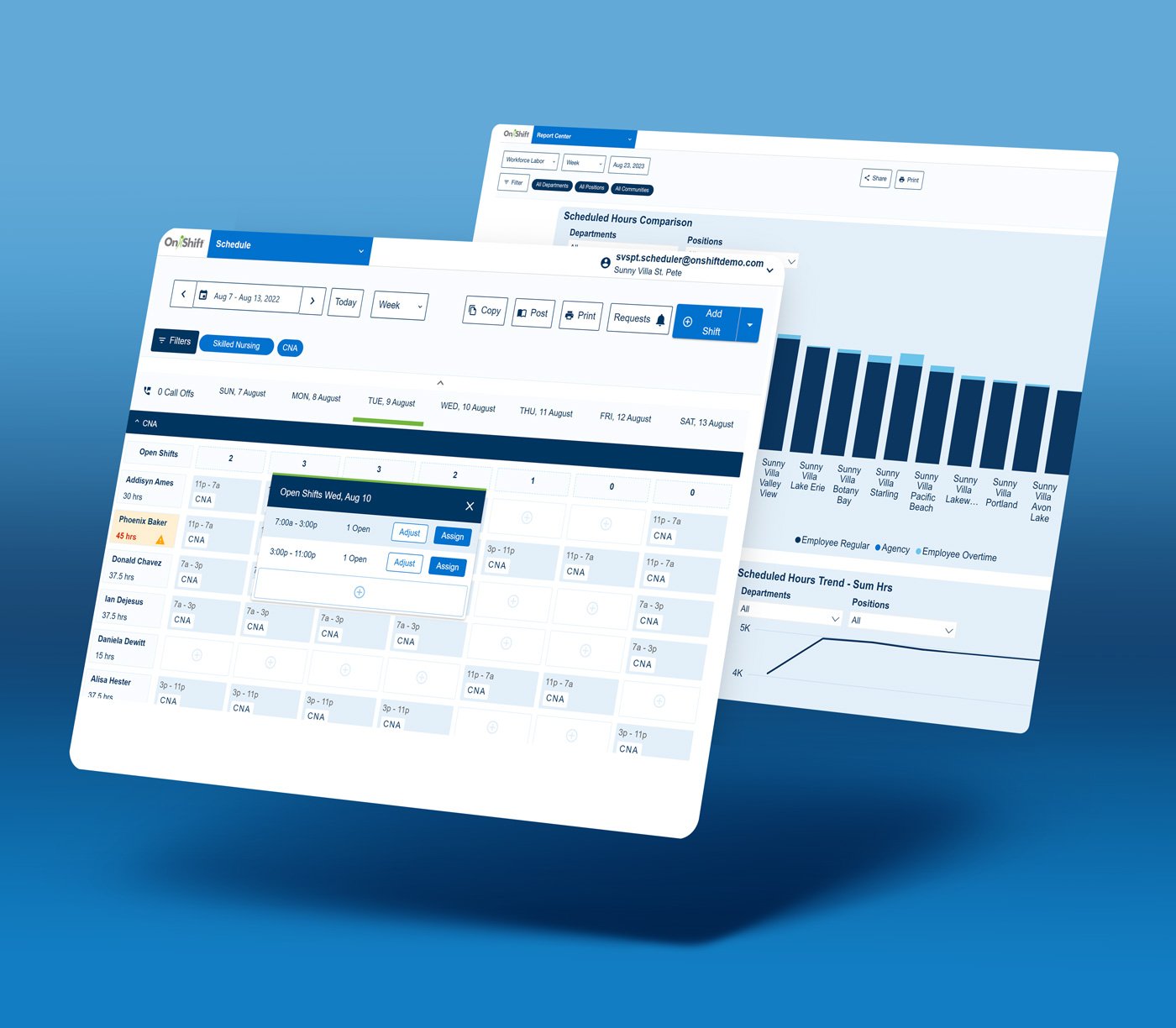
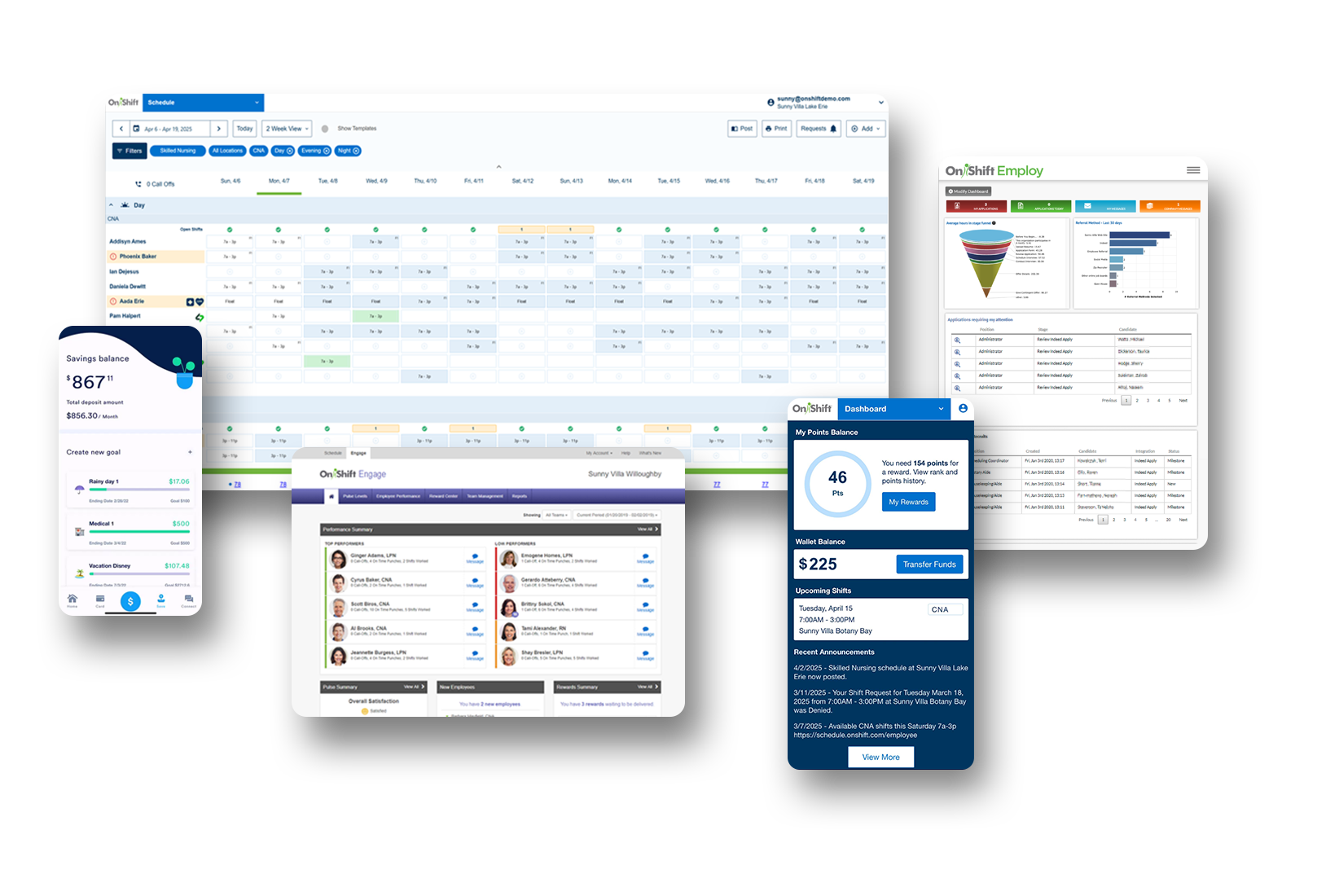
Make smarter workforce decisions that optimize your operations to enable organizational growth. Achieve high quality care, control costs, and deliver an exceptional employee experience with workforce management software built for long-term care and senior living.
Solve your toughest workforce problems quickly and consistently with features that inform and align key decision makers.
Streamlined & Simplified
Minimize training time and maximize adoption with a modern, intuitive design that eliminates complexities, streamlines workflows, and increases visibility.
Built To Engage
Keep employees informed and engaged with the all-in-one employee mobile app that integrates messaging, scheduling, performance tracking, employee rewards, and earned wage access.
Real-Time Decision Support
Ensure consistent, quality care and avoid compliance issues with workflows that guide your teams to make the decisions managers want, without any extra work.
Made Just For Senior Care
Built in collaboration with hundreds of long-term care and senior living communities, OnShift Schedule is designed exclusively for senior care with features that support your organization’s unique needs.
Configurable & Flexible
Manage your workforce your way with configurable scheduling templates, automated reports, and integrations with your HRIS, clinical, and timekeeping systems.
Fill Shifts Faster
Simplify Schedule Creation & Daily Management
Fill call-offs and open shifts in minutes with technology that recommends employees based on cost and availability.
Create schedules instantly using configurable templates
Notify employees of new schedules and shift openings with a single click
Adjust requirements and add shifts on the spot as demand fluctuates
Easily flex shift times to accommodate worker availability and give employees more of the flexibility they want
Control Costs
Operate More Efficiently
Proactively identify understaffing and overstaffing, and get recommended employee replacements based on work history, availability, and cost
Automate employee shift request approvals for those not in overtime
Simplify management of internal staffing pools & employees across communities
Prevent overtime to reduce costs and alleviate employee burnout
Be the Employer They Want to Work For
Boost Employee Retention & Engagement
Enable work-life-balance by allowing employees to view their schedules and request open shifts anytime, anywhere with the easy-to-use mobile app
Communicate important community updates and shift openings instantly
Easily create sample schedules to show potential employees where and when they’d be working to assist with recruitment
Offer employees earned wage access, a top desired perk that promotes financial wellness and incentivizes shift pickups
Attract job applicants who are looking for employers that use modern technology to offer flexibility and convenience
Deliver Better Care With Control
Support Proactive Decision Making & Reduce Compliance Risks
Proactively track hours across the total workforce including hourly and exempt employees, agency workers, and independent professionals
Monitor care budgets (HPPD) in real-time to ensure compliance and promote high-quality care and service
Ensure consistency and process adherence with reports that give you visibility into employee and community adoption of OnShift Schedule
Reduce payroll burden and identify employee clock riding with missed, early, and late punch reports
Simplify your CMS surveys with submission-ready, on-demand Payroll-Based-Journal reports
Build Your Scheduling Safety Net
Embrace The Total Workforce
With SAMI, access the ShiftKey marketplace to fill select shifts with independent professionals, according to your quality and reliability criteria
Get a single source of truth for your workforce so you can forecast costs and achieve tighter budget adherence
Be prepared to grow and meet increases in workforce needs in real time
Reduce agency usage by 45% on average with SAMI’s modern approach to filling shifts
See for yourself why thousands of providers rely on OnShift’s innovative software for recruitment, hiring, workforce management, pay and engagement. Request your personalized demo today.