Solutions

Labor is one of your most significant operating costs.

Not managing staffing levels and staffing emergencies day in and day out leads to overstaffing, overtime and wasted time finding replacement workers for call offs and no shows. In the aggregate over the course of a month or a year this can add up to tens or even hundreds of thousands of dollars in avoidable costs. In this economic climate not aggressively managing your labor costs can mean the difference between survival and failure.

OnShift offers several unique features not found in most scheduling tools.

  • Automated schedule assignments
  • Automated call off resolution – Instant communication
  • Labor ratio analysis
  • Real time overtime prevention

Automated Schedule Assignments

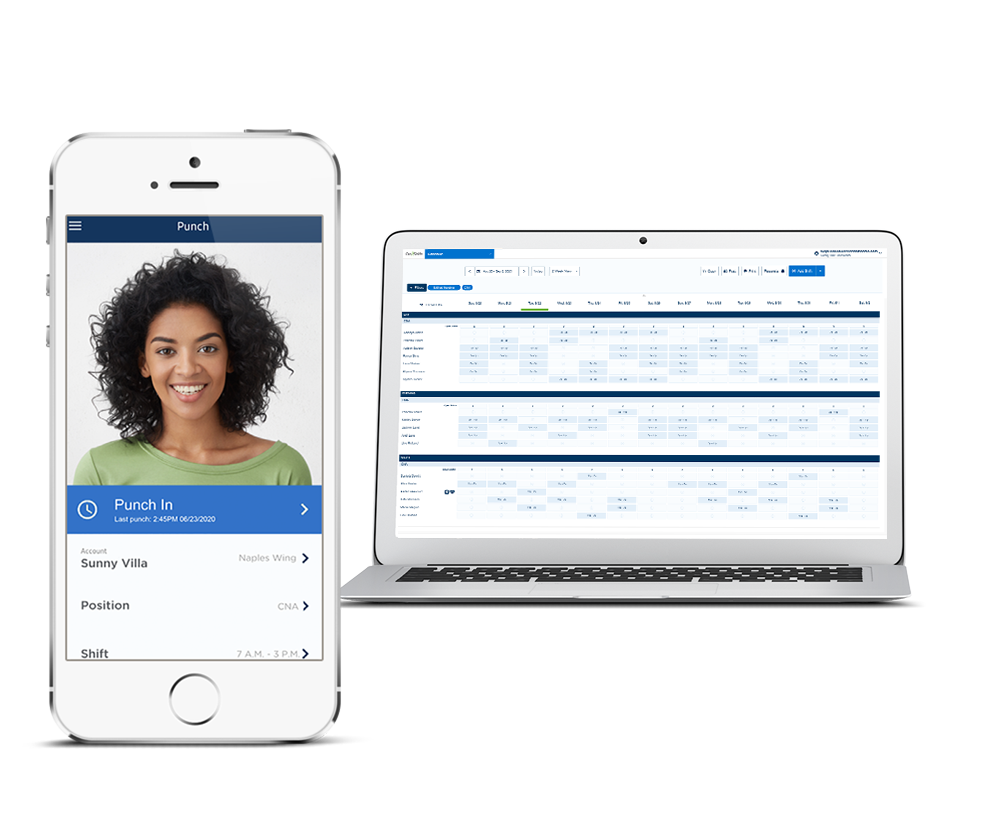
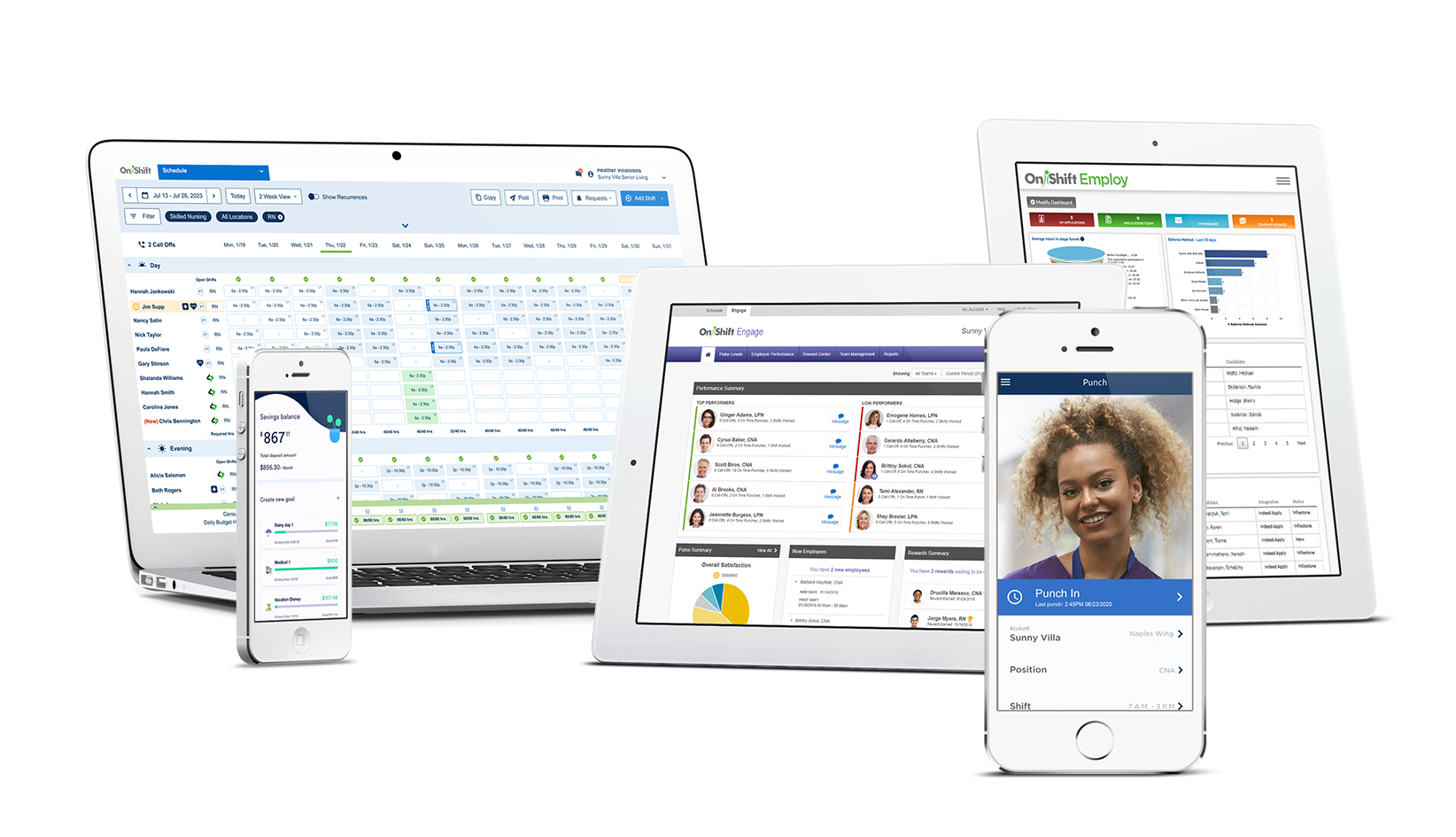
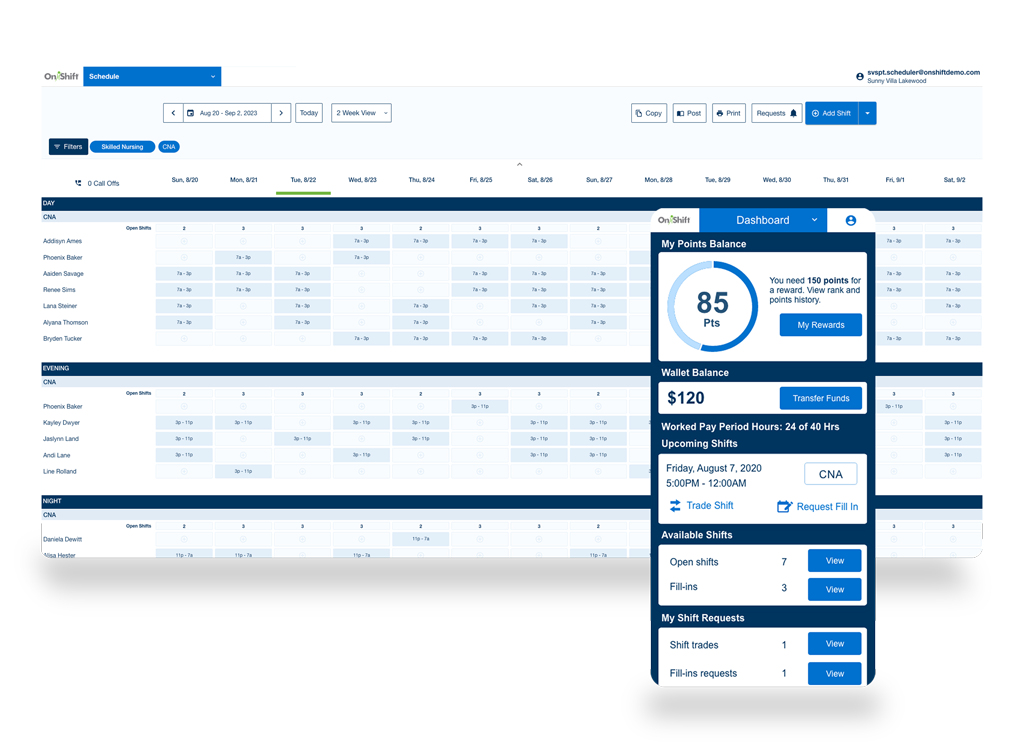
OnShift maintains the work requirements for each shift as well as all employee qualifications. When its time to create the schedule OnShift automatically assigns employees to the right shifts and creates the schedule template. The scheduler or manager can adjust the schedule as needed before publishing the final schedule.

Once the template is created the scheduler can click a button to notify staff that the pending schedule is available for review and if there are open shifts for which each individual employee is qualified to work. Employees can log in to the employee portal to view their schedule and request open shifts.

Requests are routed to the scheduler or appropriate manager and if accepted employees receive and automated message via text messaging, IVR or email that their request has been approved.

Automated call off resolution

The old method of resolving a call off or no-show was time consuming, laborious and detracted from your staff’s primary responsibilities. Calling down lists of employees, getting voice mail and begging the few people you got a hold of are things of the past.

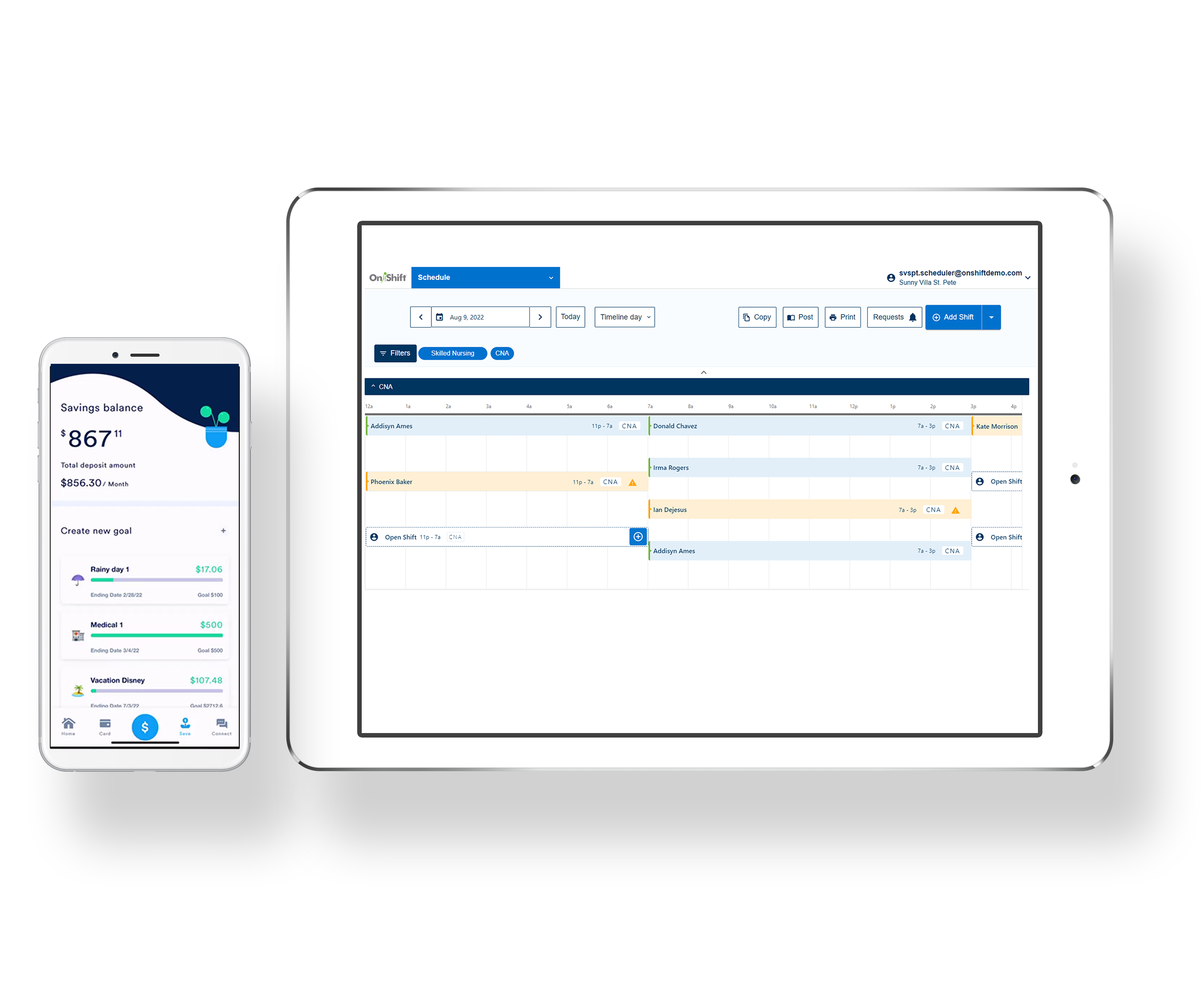
With OnShift when an employee calls off you click a single button. OnShift automatically selects employees that are qualified to replace the absent worker, are not scheduled at that time and sends them an alert indicating what shift is open, the location and the time. OnShift supports text messaging, telephony (IVR) and email and each employee can select their preferred method of communication so all employees are reached instantly and simultaneously.

Employees can respond in the same manner they received the message. OnShift’s Intelligent Response Management feature captures the response from employees, filters positive from negative responses and displays them for the scheduler or manager to select which person to assign the shift too. OnShift real-time overtime management feature displays who if anyone will be at risk of going into overtime by getting this additional shift preventing overtime from being incurred.

OnShift’s instant communications capability can be used for a variety of purposes. Staff wide emergency alerts, weather related closings or delays, training notifications are just a few of the things our customers use OnShift instant communications for.

Real-time overtime prevention

Managing overtime is frequently like Monday morning quarterbacking. You know what you should have done differently but it’s too late the change the outcome. OnShift gives you real-time overtime management. Once a schedule is posted it is out of date by the end of the first shift. People call off, employees want to switch shifts, etc., making it almost impossible to forecast who will be in overtime. OnShift automatically calculates the possibility of overtime every time a schedule change is proposed. When a call off occurs and people respond to the automated alert they receive from OnShift the system calculates what their hours for the week will be if they pick up the shift. We look at what hours they have worked already and what they are scheduled to work the rest of the week. If a person who is or will be in overtime is assigned to a shift OnShift automatically sends a text message alert to the supervisor for approval AND informs them of other employees who could take the shift that will NOT be in overtime. Supervisors can approve or decline the overtime request right from their cell phones.

When employees want to switch shifts the same overtime calculations are applied and presented to the manager prior to approving a switch.

Request Demo

Name

Email